
Audio Pitch Changer
Move the pitch up or down in semitones and keep the speed as it was.
Free · runs in your browser · nothing is uploaded
How to change the pitch of a song
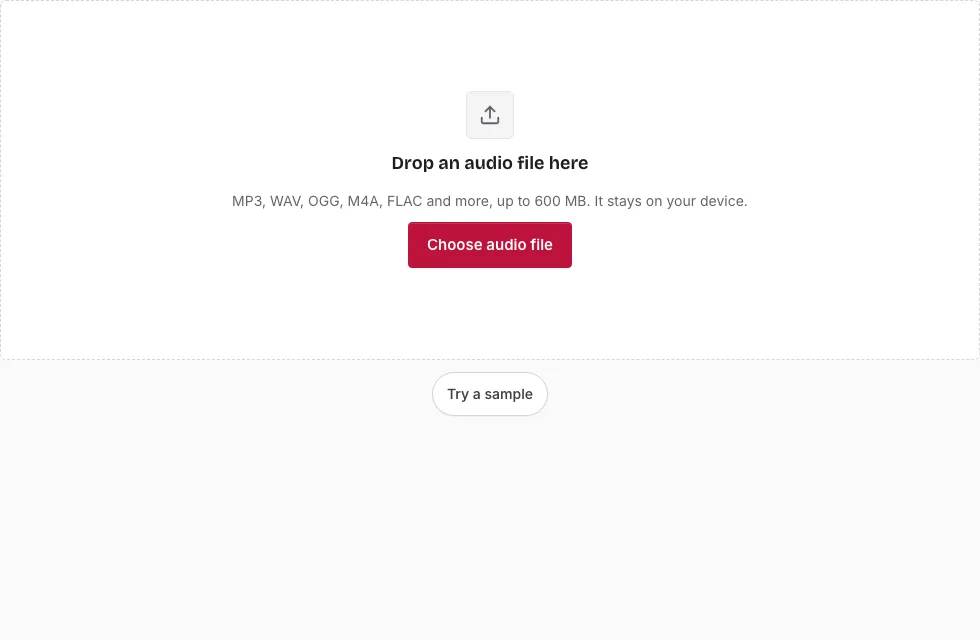
- Press Choose audio file, or drop a file onto the page, and wait for the waveform.
- Optionally select a part. The saved file then holds only that part; with no selection it holds the whole file.
- Set Pitch change (semitones), from -12 to +12 (default +2), with the slider or by typing a number.
- Keep “Keep the original speed” ticked to leave the length unchanged. Untick it to let speed and pitch change together, which also changes the length.
- Choose a format in the Save panel. The line above the Save button shows the expected length and size.
- Press the Save button and wait for the progress bar. Cancel stops it.
- Listen to the result in the small player, edit the file name if you like, and press Download. If a voice sounds strained, go back, reduce the shift by a semitone or two and save again.
Play only previews the original selection and does not apply the pitch shift, so judge the result in the player after saving. Shifts of a few semitones sound the cleanest, and the line above the Save button shows the expected length and size.
Use small steps first: +1 or +2 semitones is a gentle change, while +7 or +12 is a large one. If you need the same shift on several files, repeat the same value for each, because the settings stay in place when you press Change file.
How do I change the pitch of a song?
Set Pitch change (semitones) to the number of steps you want and save. One semitone is half a step on a piano keyboard, so +2 raises the key by a whole tone and +12 by an octave. Leave the speed option ticked so that the song keeps its tempo and length.
What is the difference between pitch and tempo?
Pitch is how high or low a sound is, and tempo is how fast it plays. Normally the tool changes only the pitch: it stretches time with a WSOLA method and resamples, so the length stays the same and the song keeps its beat.
With the speed option unticked the file is just resampled, so pitch and speed change together and the length changes by the same factor.
Why does a large shift sound artificial?
Voices have formants, resonances that give them their character, and they move along with the pitch. A big shift up therefore sounds thin, and a big shift down sounds heavy. Large shifts also leave more artifacts. Shifts of a few semitones are the cleanest, so try a smaller value first.
Can I undo a pitch change?
Shifting by the opposite number brings the key back, but each pass leaves small artifacts, so keep the original file and always shift from that rather than from an earlier result, as that keeps the sound as clean as possible. The original on your device is never changed.
Can I change speed and pitch at the same time?
Yes. Untick the speed option and the file is resampled, which moves both together. To set speed and pitch independently, change the speed first on the Audio Speed Changer page and open the saved result here to set the pitch.
What does a semitone shift do to the frequency?
Each semitone multiplies every frequency by 1.0595, and 12 semitones double it. A 440 Hz note, the A above middle C, moves to 466.16 Hz at +1 semitone, 493.88 Hz at +2 and 880 Hz at +12. The table gives the ratio and the new frequency of that note for other shifts.
| Shift | Frequency ratio | 440 Hz becomes |
|---|---|---|
| -12 semitones | 0.5000 | 220.00 Hz |
| -7 semitones | 0.6674 | 293.66 Hz |
| -2 semitones | 0.8909 | 392.00 Hz |
| -1 semitones | 0.9439 | 415.30 Hz |
| +1 semitones | 1.0595 | 466.16 Hz |
| +2 semitones | 1.1225 | 493.88 Hz |
| +5 semitones | 1.3348 | 587.33 Hz |
| +7 semitones | 1.4983 | 659.26 Hz |
| +12 semitones | 2.0000 | 880.00 Hz |
Frequently asked questions
What does changing audio pitch mean?
It moves every note up or down by the same musical interval, so a song is played in a higher or lower key. 12 semitones make an octave.
What is the difference between pitch and tempo?
Pitch is how high a sound is, and tempo is how fast it goes. This page keeps the tempo unless you untick the speed option.
Can I undo a pitch change?
Shifting by the opposite number brings the key back, but each pass leaves small artifacts, so keep the original file and always shift from that rather than from an earlier result, as that keeps the sound as clean as possible. The original on your device is never changed.
Can I change speed and pitch at the same time?
Yes, by unticking that option, or by using the Audio Speed Changer for the speed first.
Why does my file sound distorted?
Large shifts leave artifacts, especially on voices. Move the shift closer to 0 and try again.
Which input formats are supported?
MP3, WAV, OGG, M4A, AAC, FLAC, AIFF and Opus files open. WAV and AIFF are read directly, and the browser decodes the others. The result saves as MP3, WAV, OGG, FLAC or M4A.
Can I convert many files at once?
One at a time. Use Change file to load the next, and the same settings remain.
What happens to my files, and is it free?
The tool is free and needs no account. The file is processed inside your browser and is never sent to a server.
What is the largest file I can use?
600 MB on a computer and 150 MB on a phone, with about 60 and 15 minutes of decoded 44.1 kHz stereo respectively.
Related tools
- Audio Speed Changer: use it to change tempo and length, with or without the pitch.
- Reverse Audio: use it to play a clip backwards.
- Audio Trimmer: use it to keep the section you want to transpose.
- Loop Audio: use it to repeat a short section.
- Normalize Audio: use it to set the level afterwards.
- Audio Mixer: use it to lay the transposed track under a voice.
- Audio Converter: use it to change the format of the result.
- Free Audio Editor: use it for several edits in one place.