
M4A to WAV
Open an M4A file and save it as WAV.
Free · runs in your browser · nothing is uploaded
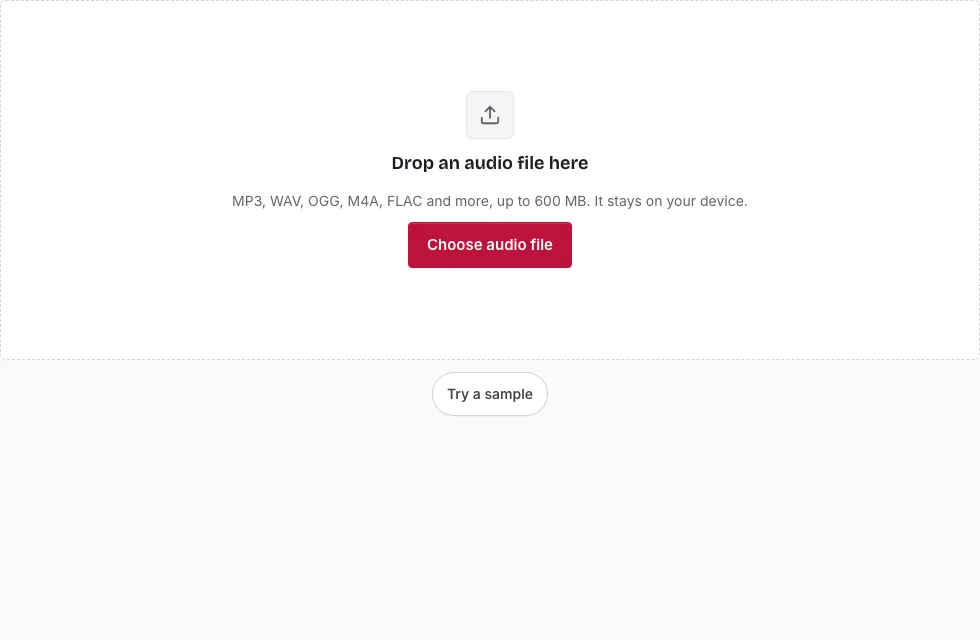
Steps for turning an M4A into a WAV
- Press Choose audio file and pick the M4A, or drag it onto the page. The line under the drop area then shows its name, length, sample rate, channels and size.
- Wait for the waveform to draw. Press Play if you want to confirm it is the right recording.
- To keep only a section, drag across the waveform and adjust the two handles. The Start, End and Length boxes accept exact times, and Start here and End here copy the playhead position. Select all and Clear selection reset it.
- In the Save panel, set Bit depth to 16-bit, 24-bit or 32-bit float.
- Leave Sample rate and Channels on “Same as source” unless the receiving program demands something else.
- Press Save as WAV. Cancel is available while the progress bar runs.
- Press Download with the file name once “Ready.” shows.
Two small tips. The line above the Save button shows the length and approximate size before you start. And if an M4A refuses to open, the message names the type of file the browser could not decode, which is the cue to try another copy of the recording.
Because the WAV is much larger than the M4A, glance at the size estimate before pressing the button, particularly on a phone where files over 150 MB will not open.
What is inside an M4A file?
An M4A file is an MP4 container that nearly always carries AAC audio, a lossy codec. The browser’s own decoder reads that AAC and hands the page raw samples, which are then written out as WAV. Some M4A files carry Apple Lossless (ALAC) instead, and those may not open in every browser.
Will a WAV sound better than the M4A?
No. The WAV matches what the M4A decodes to, sample for sample, and the detail the AAC encoder dropped cannot be recovered. What changes is compatibility: editors, samplers and some hardware read WAV without any codec support. If the M4A came from an iPhone voice memo or a download, the WAV stays as clean or as rough as that source.
How do I convert M4A to WAV on a Windows PC or a Mac?
Use any desktop browser that can play the file. Nothing has to be installed on Windows or macOS: open this page, choose the file and follow the steps above. On a phone the same page works, but the limit is lower, 150 MB per file against 600 MB on a computer.
Why does an M4A sometimes fail to open?
The page relies on the browser’s audio decoder. If the browser cannot decode the file, the page shows “Your browser could not decode this M4A file” instead of guessing. An ALAC recording is the usual cause, so try the file in a normal player first to see whether it is a standard AAC recording.
What does the conversion keep from the M4A?
The sound is decoded at the file’s own sample rate, and a mono recording stays mono unless you pick another option under Channels. Titles, cover art and other tags are not copied into the WAV, and no dither or noise shaping is added at any bit depth.
How big will the WAV file be?
The WAV is much larger than a compressed source because it stores every sample: 16-bit stereo at 44.1 kHz is 1411 kbps, or 10.1 MB per minute. A 3-minute song is 30.3 MB as 16-bit WAV, 45.4 MB as 24-bit and 60.6 MB as 32-bit float. The table compares them with an M4A source (1 MB = 1,048,576 bytes).
| Length | M4A source at 128 kbps | WAV 16-bit | WAV 24-bit | WAV 32-bit float |
|---|---|---|---|---|
| 1 min | 0.9 MB | 10.1 MB | 15.1 MB | 20.2 MB |
| 3 min | 2.7 MB | 30.3 MB | 45.4 MB | 60.6 MB |
| 5 min | 4.6 MB | 50.5 MB | 75.7 MB | 101 MB |
| 10 min | 9.2 MB | 101 MB | 151 MB | 202 MB |
Frequently asked questions
What is an M4A file?
M4A is an audio file in the MPEG-4 container, almost always holding AAC sound. Many phone recordings and music downloads use it.
What is a WAV file?
WAV stores audio as uncompressed PCM samples. It is much larger than an M4A of the same length, which is why it suits editing better than everyday storage on a phone.
How do I open a WAV file?
Almost every media player and audio editor opens WAV files. You can also check the result in the small player that appears after the conversion.
How do I open an M4A file?
Apple devices, many phones and most current media players play M4A directly. This page opens it too and shows the waveform.
What is the best way to convert M4A to WAV on Windows?
A browser tab is enough: open the file here, set the bit depth and save. Nothing else is needed.
Can I convert only part of the M4A?
Yes. Select the section on the waveform, or type its start and end times, and only that part is written to the WAV.
How do I convert M4A to WAV?
Open the M4A, set a bit depth and press Save as WAV. The steps above list every control.
Related tools
- Audio Converter: pick another target such as OGG or FLAC.
- MP3 to WAV: the equivalent for MP3 files.
- WAV to M4A: go the other way when you need a small file.
- Compress Audio File: shrink a recording instead of expanding it.
- Cut Audio: remove a section from the middle.
- Audio Splitter: split a long M4A recording into parts.
- Normalize Audio: even out the level before converting.