
MP3 to OGG
Open an MP3 file and save it as OGG.
Free · runs in your browser · nothing is uploaded
Making an OGG from an MP3
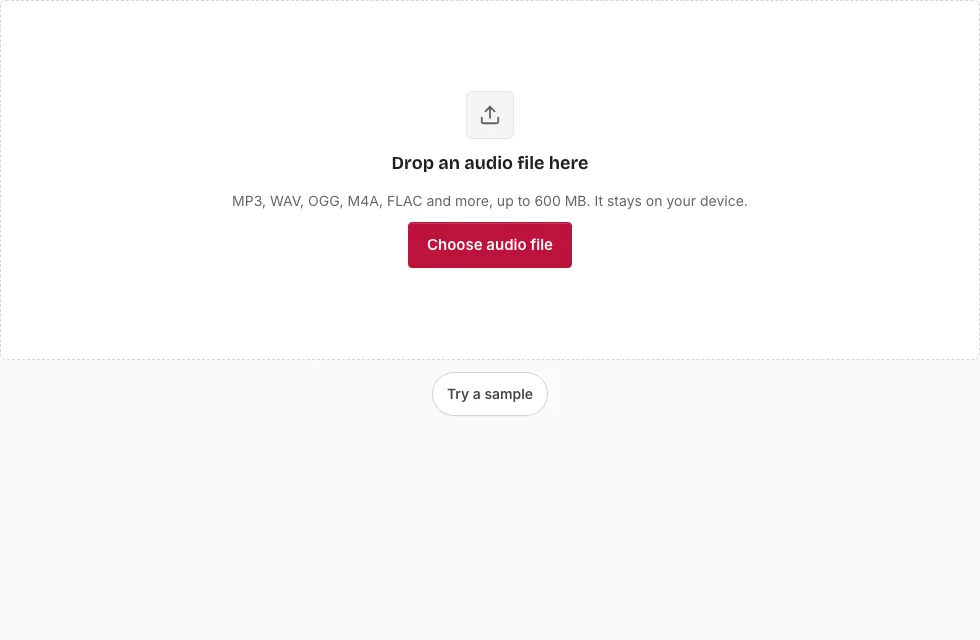
- Press Choose audio file, select the MP3, or drag it onto the page. The file line then lists its length, sample rate, channels and size.
- Optional: select a section by dragging across the waveform. Fine-tune it with the two handles, the Start, End and Length boxes, or the Start here and End here buttons, which take the playhead position. No selection means the whole track.
- Under Save, open the Quality list and choose Small file, Balanced, High or Very high. Balanced is preselected.
- Change Sample rate or Channels only when the destination needs it.
- Watch the line above the button: it predicts the length and approximate size of the OGG, so you can try each preset and compare.
- Press Save as OGG. A progress bar runs, and Cancel stops it.
- Once “Ready.” appears, play the result in the small player and press Download.
Tip: long tracks are processed in 20-second blocks with a progress bar and a Cancel button. Pick a preset by the destination rather than by habit. Small file suits a voice clip for an app; High or Very high keeps more detail from a song.
If you are unsure which preset to use, run the conversion twice with different presets and compare the files in the small player; the MP3 itself is never changed.
Will converting MP3 to OGG change the quality?
Yes, and not for the better. Both formats are lossy, so the MP3’s detail is thinned out once by the first encoder and again by the Vorbis encoder. The OGG can never beat the decoded MP3. A higher preset keeps the second round gentler, while Small file saves the most space and discards the most.
Which OGG preset should I pick?
The presets run from Small file to Very high and set the average bits per second. The size table below lists approximate bitrates measured on test noise, and real music usually needs fewer bits. Start with Balanced, listen to the result in the page’s player, and move up only if you hear something you dislike.
What is an OGG file, and where does it play?
OGG is a container, and the audio inside is almost always Ogg Vorbis. Vorbis is an open format with no licence fee, and games and apps often choose it. Android reads Ogg Vorbis, while parts of the Apple ecosystem may not, so test the file in the place it needs to work.
Is it worth converting an MP3 to OGG?
Only when something requires OGG, because the extra round of compression adds loss and brings no gain in quality. For a plain listening library, leave the MP3 alone. When you do convert, keep the MP3 as a backup, since the OGG cannot be turned back into it.
What does the OGG keep from the MP3?
The sample rate and a mono or stereo layout carry over unless you change them. Song titles, artist names and cover art do not, because tags are not copied; add them again in a tag editor if the destination reads them. Files over the device limit (600 MB on a computer, 150 MB on a phone) will not open.
How big will the OGG file be?
The OGG size follows the quality preset you choose. For a stereo file the four presets average roughly 80, 110, 155 and 225 kbps, so a 3-minute song is about 1.8, 2.3, 3.4 and 4.8 MB (1 MB = 1,048,576 bytes). The table also shows an MP3 source for comparison.
| Length | MP3 source at 128 kbps | OGG Small file (about 80 kbps) | OGG Balanced (about 110 kbps) | OGG High (about 155 kbps) | OGG Very high (about 225 kbps) |
|---|---|---|---|---|---|
| 1 min | 0.9 MB | 0.6 MB | 0.8 MB | 1.1 MB | 1.6 MB |
| 3 min | 2.7 MB | 1.8 MB | 2.3 MB | 3.4 MB | 4.8 MB |
| 5 min | 4.6 MB | 2.9 MB | 3.9 MB | 5.6 MB | 8.0 MB |
| 10 min | 9.2 MB | 5.8 MB | 7.8 MB | 11.2 MB | 16.0 MB |
Frequently asked questions
How do I convert MP3 to OGG?
Open the MP3 here, choose a quality preset and press Save as OGG. Then use the Download button to keep the file.
Do I need to install anything?
No. The converter runs in the browser tab.
Is my file uploaded to a server?
No. The MP3 is decoded and the OGG is written on your device.
Can I convert multiple files at once?
The page converts one file at a time. Use Change file to load the next MP3.
Will converting change the quality?
Yes, slightly or noticeably depending on the preset, because the sound is compressed a second time.
What is an MP3 file?
MP3 is a lossy audio format that makes recordings small by dropping detail that is hard to hear.
How do I open an OGG file?
Many media players and game tools read Ogg Vorbis. You can also open it on this page, which draws the waveform and plays it.
Can I change the sample rate or make it mono?
Yes, in the Save panel. Sample rate and Channels both default to the values in the MP3, so nothing is resampled or mixed down unless you choose it. Mono files need fewer bits than stereo at every quality preset.
Related tools
- Audio Converter: the full list of sources and targets.
- WAV to OGG: create an OGG from lossless audio.
- FLAC to OGG: a better starting point than an MP3.
- M4A to OGG: convert an M4A recording.
- OGG to WAV: turn an OGG back into editable audio.
- Compress Audio File: check what each format costs in megabytes.
- MP3 Cutter: cut an MP3 without re-encoding it.
- Audio Splitter: split a long file.